
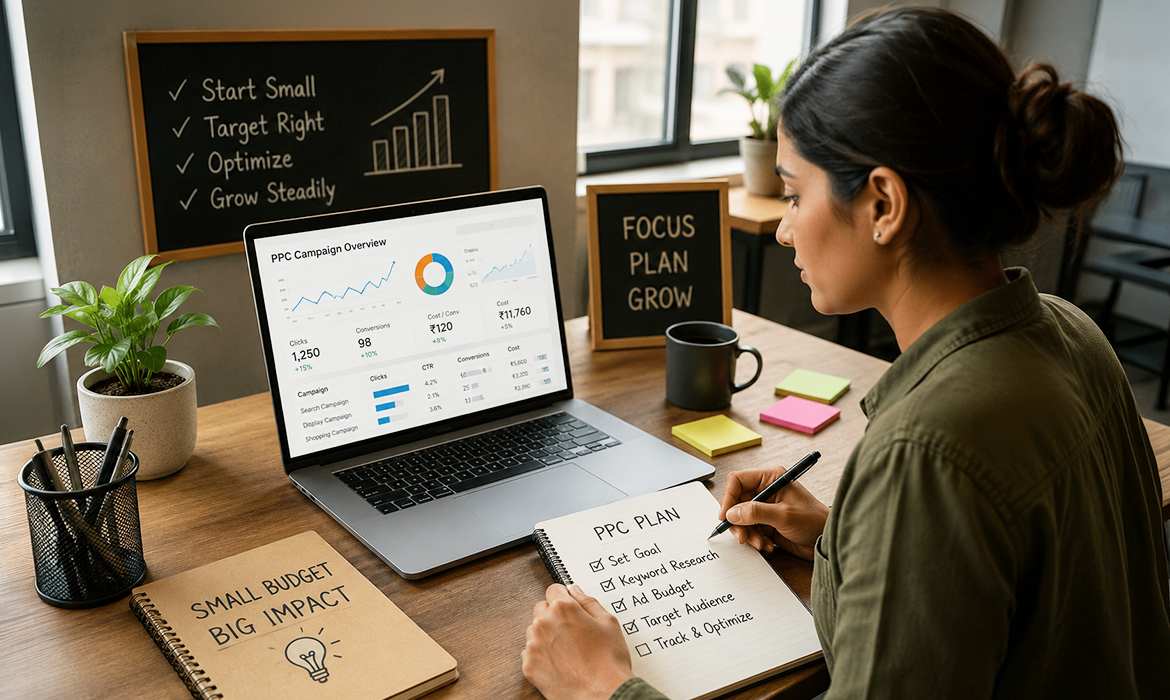
Most small businesses think PPC requires deep pockets. The truth? You don’t need a massive budget — you need a focused one. I’ve watched local businesses in Pune and Bangalore run Google Ads campaigns on ₹400 a day and generate more qualified leads than competitors spending ten times that amount. The difference isn’t how much they spend. It’s how deliberately they spend it. This guide walks you through the exact steps to launch PPC campaigns that don’t drain your budget, and shows how affordable ppc packages help small businesses achieve measurable results without breaking the bank.
Small budgets fail when they try to do everything. They succeed when they do one thing exceptionally well. The businesses getting real ROI from PPC aren’t chasing clicks — they’re chasing outcomes. Before you touch Google Ads, get crystal clear on what success looks like for your specific business.
What matters most to your business right now? Phone inquiries for a service business? Contact form submissions for B2B? Foot traffic to a retail location? Online purchases for e-commerce? Choose one. Build your entire campaign around that single conversion action. You can expand later once you’ve proven the model works.
“Brand awareness” campaigns burn through small budgets without producing measurable returns. When you’re working with limited funds, every rupee needs to pull its weight. Vague goals mean vague targeting, generic ad copy, and no clear way to measure success. Specific goals force you to be strategic about every decision — from keyword selection to landing page design.
Define exactly what action you want after someone clicks your ad. “Get more customers” lacks specificity. “Generate 10 phone calls from people searching for emergency plumbing in Bangalore” — that’s a goal you can build a campaign around. Specific goals force strategic decisions across keywords, ad copy, and landing pages.
Here’s the trap: setting your daily budget at ₹100 feels safe, but it’s too small to generate meaningful data. You’ll get 2–3 clicks, learn nothing, and keep guessing. That’s expensive. A slightly higher budget that generates 10–15 clicks daily gives you actual insights to optimize with. Think of your initial budget as tuition — you’re paying to learn what works for your specific business.
Instead of picking an arbitrary number, work backwards from data needs. How many clicks do you need to expect one conversion? If your industry average is 5% conversion rate, you need 20 clicks to get one lead. Multiply that by your estimated cost-per-click to find your daily budget floor. This ensures you’re spending enough to make informed decisions, not just spending what feels comfortable.
Beginners stuff campaigns with 50+ keywords, hoping something sticks. Smart small businesses start with 8–12 laser-focused terms. More keywords mean spreading your budget thin, diluting your message, and making optimization impossible. A tight keyword list lets you write specific ad copy, build relevant landing pages, and actually understand what’s working.
Someone searching “what is digital marketing” is researching. Someone searching “hire digital marketing agency in Mumbai” is ready to buy. That distinction matters enormously when budgets are tight. Focus exclusively on commercial-intent keywords — searches that include location modifiers, buying words like “hire,” “book,” “buy,” “best,” or problem-specific phrases that only someone ready to purchase would type.
Your homepage serves many purposes. Your PPC landing page serves one: converting the specific person who clicked that specific ad. When someone clicks an ad promising “same-day AC repair in Hyderabad,” they expect to land on a page about same-day AC repair in Hyderabad — not your company history and full service menu. Every second of confusion costs you conversions. With small budgets, you can’t afford that waste. Learn more about our approach to conversion-focused PPC campaigns.
Good ad copy doesn’t just get clicks — it gets the right clicks. If you only serve South Mumbai, say so in your ad. If your service starts at ₹5,000, mention your premium positioning. Yes, you’ll get fewer clicks. But the clicks you get will be from people who can actually become customers. That’s the whole point.
“Call us, email us, visit our showroom, download our brochure, or follow us on Instagram” — that’s five decisions competing for attention. Confused prospects don’t convert. Give them one clear next step that aligns with your campaign goal. If you want phone calls, make the phone number impossible to miss and remove other distractions.
Conversion tracking feels technical and intimidating, so people postpone it. Then they run campaigns for weeks with zero visibility into what’s actually working. You’re not running ads to get clicks — you’re running them to get business outcomes. Without tracking, you’re flying blind, making optimization impossible, and likely wasting most of your budget on keywords that look good but don’t convert.
You don’t need complex analytics dashboards on day one. You need to track one thing: your primary conversion action. If that’s phone calls, set up call tracking through Google Ads. If it’s form submissions, install the Google Ads conversion tag on your thank-you page. If it’s purchases, connect your e-commerce platform. That’s it. You can add sophistication later — but you can’t optimize without basic conversion data.
The first few days of any PPC campaign are learning time for Google’s algorithm. Making dramatic changes too early resets that learning process. Unless something is catastrophically wrong — like sending traffic to a broken page — resist the urge to tinker. Let the campaign run for at least 5–7 days before making significant adjustments.
You need statistical significance before making big changes. For most small business campaigns, that means at least 50–100 clicks per keyword or ad variation. If a keyword has gotten 8 clicks and no conversions, you don’t have enough data to judge it yet. If it’s gotten 80 clicks and no conversions while others are converting at 5%, then you have a clear loser to pause.
Clicks are a vanity metric. Cost per conversion is what matters. A keyword generating clicks at ₹20 each sounds cheap — until you realize it’s never converted. Meanwhile, a keyword costing ₹80 per click but converting at 10% is delivering leads at ₹800 each. Always evaluate performance based on cost per lead or cost per sale, not cost per click.
If a keyword has spent 2–3 times your target cost-per-lead without converting, pause it. If it’s converting but at a higher cost than you’d like, don’t kill it immediately — try improving the landing page or ad copy first. The goal isn’t perfection from day one. It’s steady improvement over time, keeping what works and cutting what doesn’t.
Three budget killers show up constantly: broad match keywords that trigger irrelevant searches, sending traffic to generic pages instead of specific landing pages, and making decisions based on gut feel instead of conversion data. Avoid these three mistakes and you’re already ahead of most small business PPC campaigns. Add negative keywords weekly, keep your landing pages tightly matched to ad promises, and let data — not hope — guide your optimization decisions.
PPC delivers immediate visibility while you’re building organic rankings. SEO delivers long-term traffic without ongoing ad spend. Businesses running both see higher overall conversion rates because appearing in both paid and organic results builds credibility. Someone who sees your ad, then finds you organically, is far more likely to convert than someone who only sees one or the other.
The best affordable seo packages for small businesses focus on the same high-intent keywords you’re already bidding on with PPC. That creates synergy — your paid campaigns tell you which keywords actually convert, and your SEO efforts target those same terms for long-term organic rankings. Look for packages that include on-page optimization, local SEO if you serve specific areas, and content that targets your proven converting keywords. Learn more about our affordable SEO services for small businesses.
At Clickseek Digital, we demand one specific, measurable goal before building campaigns—phone calls, form submissions, store visits, or purchases. Vague objectives like “more customers” get rejected. Our intake process forces clarity because fuzzy goals guarantee fuzzy results and wasted budgets. This disciplined approach is what makes our affordable ppc packages effective even for businesses with limited marketing spend.
When small-budget clients request 40+ keywords, we push back—protecting your budget, not being difficult. We narrow to 8–12 high-intent terms through deliberate scoping. Restraint is strategy when budgets are tight. Fewer, sharper keywords always outperform broader coverage for small businesses.
Conversion tracking is non-negotiable in our onboarding process. Campaigns launch only after tracking is configured—phone calls, form submissions, e-commerce integration, whatever matches your goal. We’ve declined clients wanting to “start fast and add tracking later.” Without data, you’re just guessing expensively.
Our team reviews performance data, adjusts bids, adds negative keywords, and pauses underperformers weekly. Monthly strategic calls discuss expansion opportunities, ad copy testing, and budget allocation. This balances responsive optimization with strategic patience, avoiding excessive changes.
We won’t launch campaigns with unready landing pages or missing conversion tracking. If your budget can’t generate meaningful data in your industry, we’ll suggest increasing it slightly or narrowing geographic focus first. We’ve advised ready-to-sign prospects to delay when setup wasn’t right, protecting both your investment and our reputation.
A Bangalore home services business spent ₹400 daily on 30+ keywords with no tracking. We rebuilt around phone bookings using 9 commercial-intent keywords. Month three: 68 calls at ₹265 each—same budget, strategic focus. Explore our success stories and PPC services.
There’s no universal minimum, but you need enough to generate 10–15 clicks daily for meaningful data. In most Indian markets, that typically means ₹300–₹600 per day depending on your industry and keywords. The key is having enough budget to learn what works, not just enough to feel safe.
You’ll see clicks immediately, but meaningful conversion data usually takes 2–3 weeks. Google’s algorithm needs time to learn, and you need enough conversions to identify patterns. Plan for a 30-day learning phase before expecting consistent, optimized results.
PPC delivers faster results and clearer attribution, making it ideal when you need leads now or want to test which keywords actually convert before investing in long-term SEO. SEO builds sustainable traffic over time. Most successful small businesses eventually run both, using PPC insights to guide SEO strategy.
Not setting up conversion tracking before launching. Without it, you’re spending money with no way to know what’s working. The second biggest mistake is spreading small budgets across too many keywords, making optimization impossible. Focus beats breadth every time when budgets are limited.

Bangalore, India
